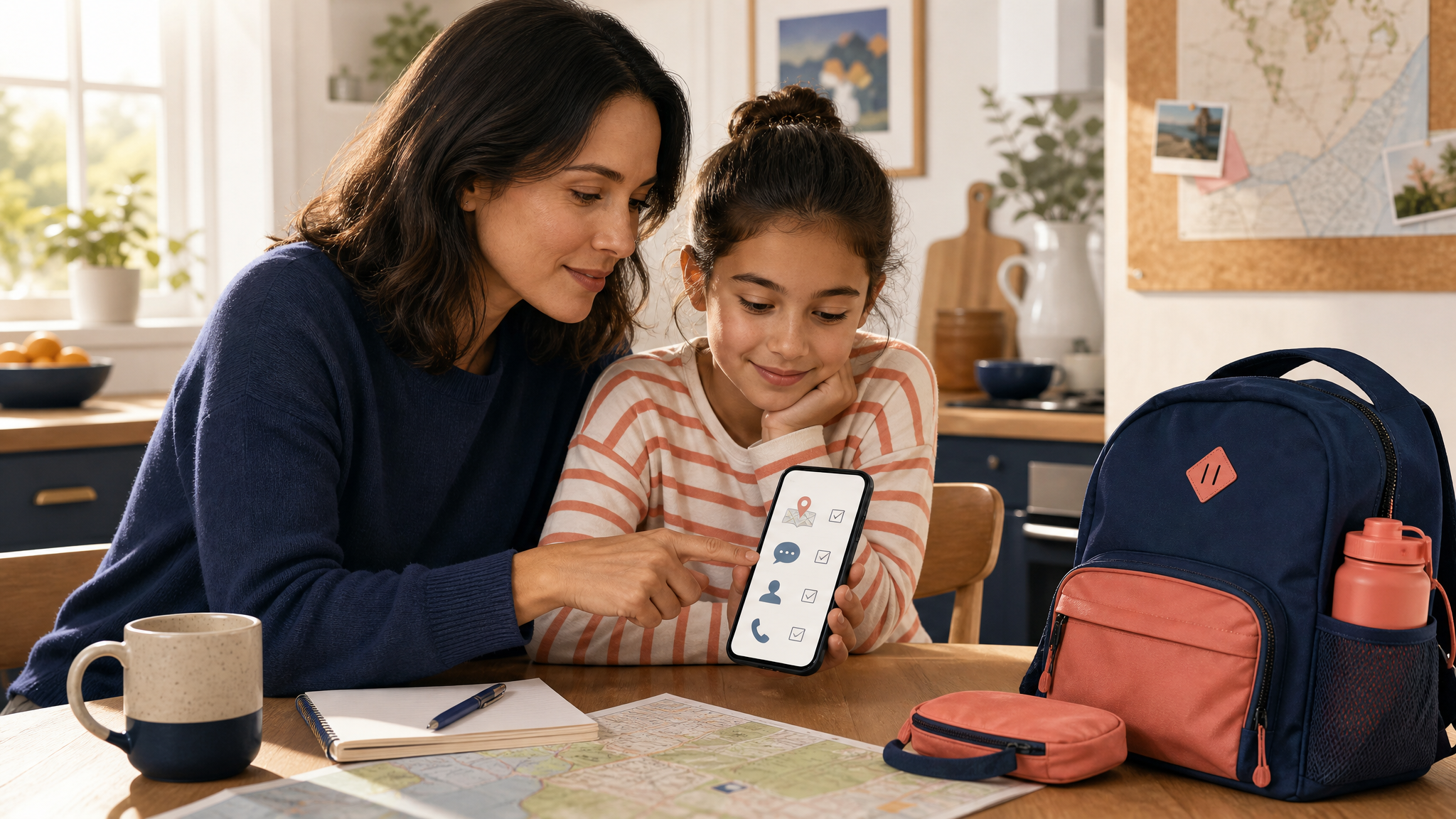
How to Prepare Your Child for a First Day Trip
A first day trip can be exciting for a child and uneasy for a parent. A short plan helps everyone know who to contact, what a normal check-in means, and where important information is stored before the group leaves.
ProtectSmartly is an iPhone personal safety app with check-ins, trusted contacts, Emergency info, Family map, and SOS alerts. Android is in development. Learn more about ProtectSmartly. SOS & Safety Alerts is not a replacement for calling emergency services. In an emergency, call your local emergency number.
Choose the adults who should be in the safety circle
Start with the adults who are actually connected to the trip. That may include a parent, another caregiver, a teacher, or a trip leader. Explain what information each person may receive and what a routine update means. Keep the circle small enough that everyone knows who is responsible for noticing an update.
ProtectSmartly lets you add contacts with priority levels. Use those levels to reflect the order in which people should be contacted for ordinary updates. A contact list is not a substitute for the trip leader’s supervision or for local emergency services.
Agree on a simple check-in routine
Pick one or two moments that make sense, such as leaving, arriving, or returning to the meeting point. A check-in can be sent to chosen contacts, or saved to history only. Tell your child what the check-in is for and avoid making every missed update feel like an emergency.
Keep the message simple. The goal is to make the routine easy to remember, not to create a complicated reporting schedule. If the plan changes, use the normal communication channel the family already trusts.
Review Emergency info before departure
Emergency info can include blood type, age, height, weight, and allergies, and it can appear on the Home screen. Review the details before the trip and update anything that has changed. Only store information you are comfortable keeping in the app, and confirm the current privacy and retention terms in the live app and policies.
Explain SOS without making promises
Show the responsible adult how the SOS workflow works. Press and hold the SOS button for 3 seconds. A 5-second countdown follows, and it can be canceled during that countdown. If an SOS is sent, chosen contacts receive GPS location by email with a map link, and contacts who use the app can receive a push notification.
Before the trip, review device permissions, battery, connectivity, and recipient availability. These conditions affect delivery. SOS & Safety Alerts is not a replacement for calling emergency services. In an emergency, call your local emergency number.
Use location sharing only with clear consent
On iPhone, the Family map shows live positions for family members who accept location sharing. If the family uses it for a trip, decide who has agreed to share and how long the arrangement is meant to last. Safe places can organize familiar locations such as Home, School, or Work. Footsteps can show where a family member has been over selected periods, with stops and durations.
Location tools add context, but they do not replace a direct check-in, supervision, or a call for emergency help. Make sure the child and the adults understand what is being shared.
Do a two-minute test
Before leaving, confirm that everyone can sign in with email, Sign in with Apple, or Google; the right contacts are selected; notifications are available; the phone has enough battery; and the child knows who to speak to in person if plans change. A small review now can prevent confusion later.
Important: SOS & Safety Alerts is not a replacement for calling emergency services. In an emergency, call your local emergency number.