How to Build a 2026 Family Emergency Communication Plan: The 60-Second Blueprint
How to Build a 2026 Family Emergency Communication Plan: The 60-Second Blueprint
In the middle of a crisis, the last thing you want is a communication breakdown. As we observe National Preparedness Month this September, the 2026 theme is clear: “Americans Stand Ready.” But standing ready starts with a simple, effective plan that every member of your family understands.
In late 2026, building a family emergency communication plan doesn’t have to be a multi-day project. Here is the modern, 60-second blueprint to building your family’s digital safety net.
The 2026 Reality: Speed and Redundancy
Traditional paper-only plans are no longer sufficient. In 2026, with the rise of rapid-response safety technology and automated alerts, your plan must be as agile as the technology you use.
Step 1: Establish Your Digital Command Center (20 Seconds)
Your primary safety tool is the smartphone in your pocket.
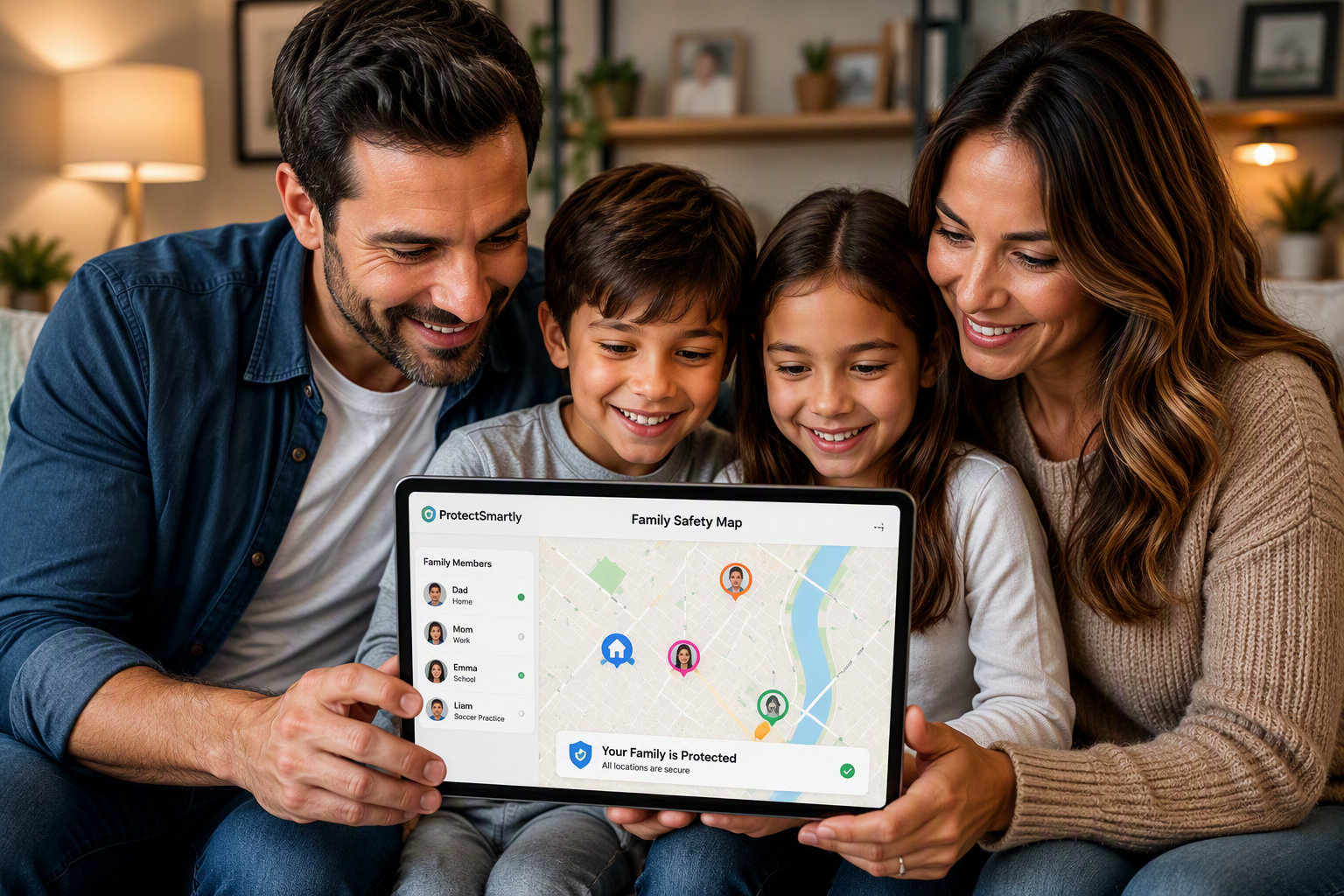
- The “Safety Circle” Network: Using a family safety app like ProtectSmartly, create a dedicated circle for your household and trusted out-of-area relatives.
- Centralized Information: Store digital copies of your emergency plan and medical records within a secure, encrypted digital vault.
Step 2: Implement the “Safety Ping” Protocol (20 Seconds)
In a disaster, cellular networks are often overwhelmed.
- Low-Bandwidth Communication: Instead of calling, use your safety app to send a one-tap “I am safe” status update to your circle. ProtectSmartly is optimized to send these small “distress packets” even in low-signal environments.
- Automated Geofencing: Set up “Safe Zones” for your home, school, and workplace. Your circle is notified automatically when everyone reaches their designated safe harbors.
Step 3: Activate Your One-Tap SOS (20 Seconds)
When an emergency occurs—such as a sudden fire or medical crisis—you need an immediate way to call for help. A dedicated SOS alert app like ProtectSmartly provides a discrete, one-tap emergency SOS that instantly notifies your entire Family Circle and shares your exact GPS coordinates.
2026 Emergency Plan Checklist
- Identify Out-of-Area Contacts: Choose one person who lives far away to be your family’s “central hub” for check-ins.
- Establish Meeting Points: Pick a spot right outside your home and another outside your neighborhood.
- Update Your App: Ensure ProtectSmartly is installed and tested on every family member’s device, including a student safety app version for kids.
- Practice Your Pings: Conduct a 60-second “Safety Drill” this weekend to ensure everyone knows how to send a status update.
FAQ: Modern Emergency Planning
Q: Do I really need a digital plan?
A: Yes. Digital plans provide real-time location data and status updates that paper plans cannot.
Q: What if the power goes out?
A: Maintain a portable power bank and ensure your family safety app is optimized for low-battery environments.
Q: Is my family’s location data secure?
A: With ProtectSmartly, yes. We prioritize a “Privacy First” design. Your location is only visible to your invitation-only Family Circle.
Conclusion: Readiness Starts Now
Building a family emergency communication plan is the single most important step you can take for National Preparedness Month. By utilizing the power of a private safety network like ProtectSmartly, you are fulfilling the 2026 mandate: Americans Stand Ready.
Don’t leave your family’s safety to chance. Build your safety net today.
Learn more about how ProtectSmartly helps families stand ready.
Explore the SOS Alert App features.
Download ProtectSmartly and build your family safety plan now.